Most people do not plan to edit PDFs from their phones. It usually happens because they have no choice.
A client suddenly asks for an updated proposal while you are outside. A teacher notices a missing logo on study materials right before sending them to students. Someone uploads the wrong PDF version and needs to fix it quickly before the file spreads further.
That is normally how mobile watermarking starts. And honestly, a lot of PDF apps still make the experience harder than it should be. Tiny controls, overloaded interfaces, slow exports, weird formatting problems after download. Some tools technically support watermarking, though using them on a phone feels like punishment after five minutes.
The better apps avoid that completely. They understand that mobile workflows are different. Nobody sitting on a phone wants endless menus and complicated export settings. The process has to feel quick or people simply wait until they get back to a laptop.
The apps below are the ones that handle mobile watermarking without making the experience frustrating.
1. iLovePDF
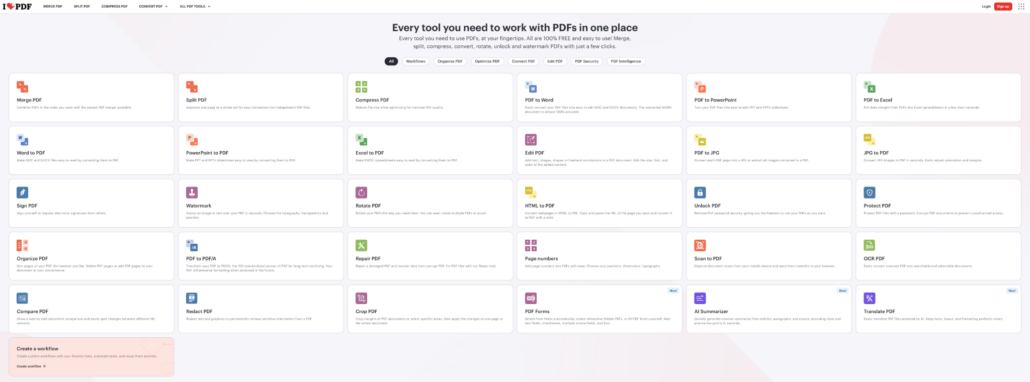
A lot of people already have iLovePDF installed before they ever think about watermarking.
Usually, because they use it for compression, conversion, or merging files first.
That familiarity helps on mobile.
The interface stays relatively clean, and the workflow does not become confusing on smaller screens the way some PDF apps do.
The process looks simple:
- Upload the PDF
- Add the watermark
- Adjust placement
- Export the file
iLovePDF includes:
- Text overlays
- Image watermarks
- Opacity controls
- Page selection tools
- Cloud integrations
The app works especially well for people who constantly jump between different PDF tasks instead of only watermarking documents.
2. Watermarkly
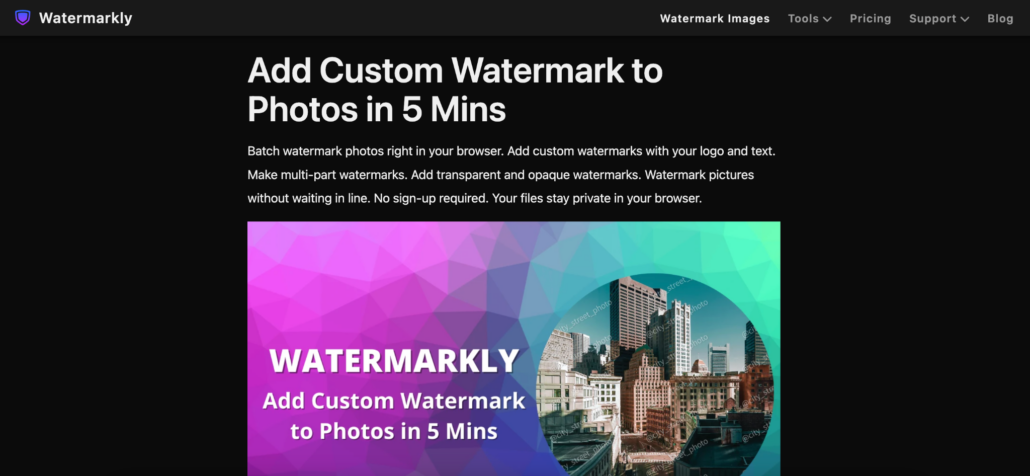
Watermarkly works especially well on phones because the interface already feels lightweight before you even move to mobile.
A lot of PDF editors become messy on smaller screens. Buttons shrink, menus stack on top of each other, and simple actions suddenly require five extra taps. Watermarkly avoids most of that by keeping the workflow visual and direct.
Upload the file. Place the watermark. Export the PDF.
That is basically it.
The app supports:
- Text watermarks
- Logo overlays
- Opacity controls
- Flexible positioning
- Rotation settings
- Font customization
- Repeating watermark layouts
One thing that feels noticeably better on mobile is watermark placement. Instead of fighting tiny settings panels, users drag the overlay directly on the page and immediately see the result.
That saves a surprising amount of time.
Watermarkly works especially well for:
- Client proposals
- Educational PDFs
- Downloadable products
- Internal reports
- Worksheets
- Branded documents
The workflow also stays consistent across desktop and mobile devices, which helps people constantly switching between screens during the day.
The free version places Watermarkly branding on exported files, while the mobile app allows limited watermark-free exports after watching an ad.
3. Canva
Canva is not technically a PDF watermarking app, though creators use it for that constantly.
Especially on tablets.
Someone edits a media kit, downloadable workbook, presentation, or digital planner directly inside Canva, then adds branding before exporting the final PDF.
That workflow feels much more natural visually than inside traditional PDF editors.
Canva works especially well for:
- Ebooks
- Worksheets
- Templates
- Presentations
- Downloadable guides
Typography looks better. Logo placement feels smoother. Overall, branding is easier to maintain across documents.
The downside is speed once files become larger or workflows become repetitive. Canva feels strongest for design-focused materials rather than fast office editing.
4. Smallpdf
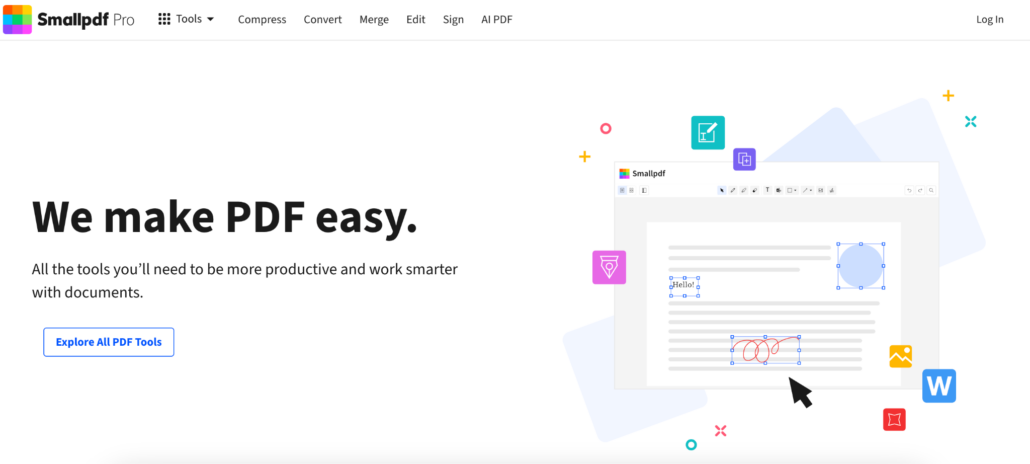
Smallpdf works well on mobile because the interface stays calm.
That probably sounds strange for PDF software, though users notice it immediately after opening cluttered apps full of tiny controls and stacked menus.
The watermarking process stays clean from beginning to end.
The editor allows adjustments for:
- Placement
- Transparency
- Rotation
- Scaling
Smallpdf also integrates with Google Drive and Dropbox, which helps people constantly pull files from cloud storage while moving between devices.
The app works especially well for occasional editing because there is almost no learning curve.
Most mobile PDF apps fail in the same place
Not during upload. Not during export. Placement.
That is where things usually start becoming annoying.
A watermark looks centered until the PDF downloads. The logo suddenly covers the text. The controls feel too small. Zooming becomes awkward. Everything takes longer than it should.
Desktop interfaces do not automatically translate well to phones.
The apps people keep using are usually the ones that simplify interactions instead of shrinking desktop software onto smaller screens.
Watermarks look different on phones than on desktops
This is something many people forget until the document opens on mobile for the first time.
A watermark that looks balanced on a desktop can suddenly feel oversized on a smaller screen. Logos become more distracting. Dark overlays cover too much text.
That is one reason subtle watermarking usually works better.
The cleanest mobile-friendly PDFs tend to use:
- Light opacity
- Transparent logos
- Consistent placement
- Balanced sizing
- Simple typography
The goal is not to dominate the page visually. It is simple to keep the document identifiable without hurting readability.
Mobile workflows changed document editing completely
A few years ago, most people waited until they reached a computer before touching PDFs.
That is no longer true.
Documents move constantly now. Someone reviews a contract on a phone, edits the file later from a tablet, then forwards the final version from a laptop. The same PDF may pass through three devices within one afternoon.
Because of that, mobile PDF apps stopped being “backup tools.”
For many freelancers, creators, educators, and small business owners, they became part of the normal workflow.
That shift changed what users expect from watermarking apps, too. Speed matters more. Simplicity matters more. Nobody wants mobile editing to feel like desktop software squeezed into a smaller screen.
The best mobile PDF apps usually feel the least complicated
People rarely enjoy editing documents on phones.
They enjoy apps that make the process short enough to stop being annoying.
That is why lightweight mobile PDF tools became so common over the last few years. They fit the way people actually work now. Quick edits, fast exports, constant switching between devices.
Some apps focus more on branding flexibility. Others lean toward office workflows or document management. Watermarkly stands out because the process feels simple immediately, especially for creators, freelancers, educators, and small businesses that need to watermark PDFs without opening heavy desktop software.
On mobile, convenience matters even more than features. The apps people keep using are usually the ones that waste the least time.
Leave a Reply