
At first, everything seems connected.
Salesforce has the customer data. ServiceNow handles incidents, requests, and internal workflows. Both systems are active, both are being used every day, and on the surface, nothing looks broken.
The disconnect doesn’t show up immediately.
It appears in small ways. A case is updated in Salesforce, but the change takes time to reach IT. An incident is resolved in ServiceNow, but that update doesn’t reflect back where the customer record lives. Someone notices, fixes it manually, and moves on.
Then it happens again.
Over time, the issue is no longer about missing data. It is about alignment. Information exists in both systems, but it doesn’t stay consistent.
And that changes how teams work.
What “Alignment” Actually Means in Practice
Most teams assume integration is enough.
If data moves between systems, the job is done. But alignment is something else entirely.
It is not just about syncing records. It is about making sure both systems reflect the same reality at the same time.
When alignment is missing, people compensate for it.
They double-check updates. They rely on messages instead of system data. They keep their own notes just to be sure nothing is missed.
None of this feels like a major issue at first. But it slows everything down.
Alignment, when done right, removes that layer of doubt.
You don’t ask whether something is up to date. You see it.
Where Misalignment Usually Starts
The gap between Salesforce and ServiceNow rarely comes from one big failure.
It builds gradually.
A field is not synced properly. A status update is delayed. A workflow in one system does not match the logic in the other. Each of these is small on its own.
Together, they create inconsistency.
It often shows up in patterns like this:
- The same case looks different depending on where you check it
- Updates arrive later than expected
- Teams confirm information manually instead of trusting the system
- Data is technically synced, but not fully usable
- Workflows depend on people instead of triggers
At that point, the systems are connected, but not aligned.
What Changes When Systems Stay Aligned
When alignment is in place, the experience shifts in a subtle but important way.
You stop thinking about synchronization.
Cases and incidents remain linked without effort. Updates appear where they should, when they should. You don’t need to check another system just to confirm what already happened.
Work becomes more direct.
Instead of managing the connection between tools, teams focus on the actual process. Less time is spent verifying data. Less coordination is needed to keep things moving.
Nothing dramatic has changed. But everything feels smoother.
1. Peeklogic Salesforce ServiceNow Connector
The biggest source of misalignment usually sits between customer-facing teams and IT.
Salesforce reflects what the customer sees. ServiceNow reflects what happens behind the scenes. If those two views don’t stay in sync, the gap becomes obvious very quickly.
The Salesforce ServiceNow Connector from Peeklogic focuses on keeping both sides aligned in real time.
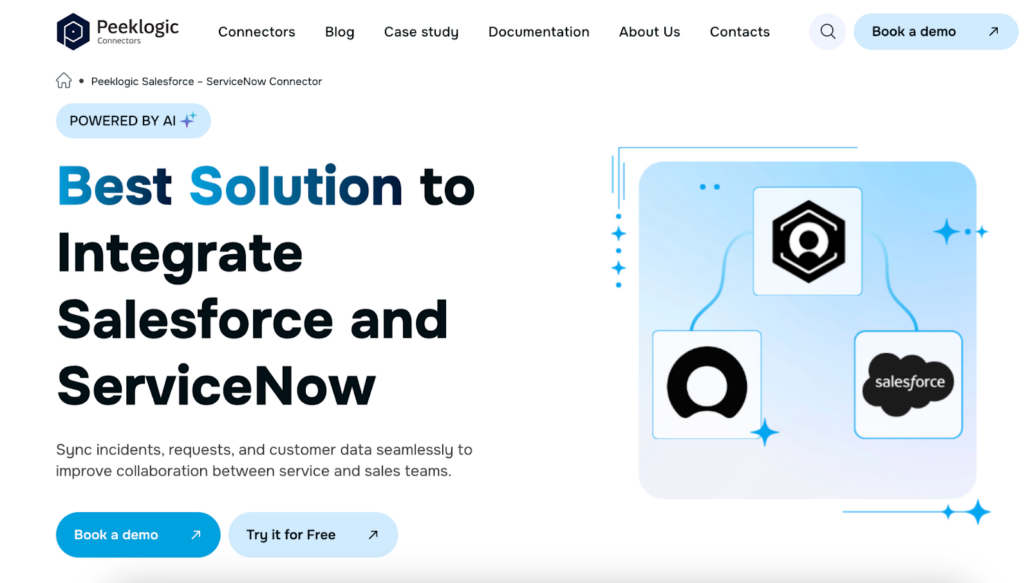
Instead of relying on manual updates or delayed synchronization, it keeps records connected continuously. Changes in one system appear in the other without someone having to trigger the process.
It also brings ServiceNow data directly into Salesforce, which reduces the need to switch between systems just to understand context.
Teams typically rely on it for:
- Two-way synchronization between Salesforce and ServiceNow
- Syncing incidents, requests, and custom records
- Real-time visibility of ServiceNow data inside Salesforce
- Creating and linking incidents directly from Salesforce
- Syncing comments, work notes, and attachments
Once this type of connection is in place, alignment becomes the default state instead of something teams have to maintain manually.
2. MuleSoft
In larger environments, misalignment is rarely limited to one connection.
There are multiple systems involved, each with its own structure and rules. Integrations exist, but they don’t always follow the same logic. Over time, this leads to inconsistencies across the entire setup.
MuleSoft is often used to introduce a more structured approach.
Instead of connecting systems individually, it creates a consistent layer where data flows in a predictable way. This helps ensure that updates follow the same patterns everywhere, not just between two tools.
Teams use it for:
- Building API-based integrations across systems
- Standardizing how data moves between platforms
- Supporting complex enterprise environments
- Managing integrations at scale
- Connecting legacy systems with modern tools
It is not focused on one specific use case. It is about making sure the entire ecosystem stays aligned.
3. Workato
Sometimes the issue is not whether data moves, but what happens after it does.
A case gets created, but the next step depends on someone taking action manually. An update appears, but nothing triggers the follow-up.
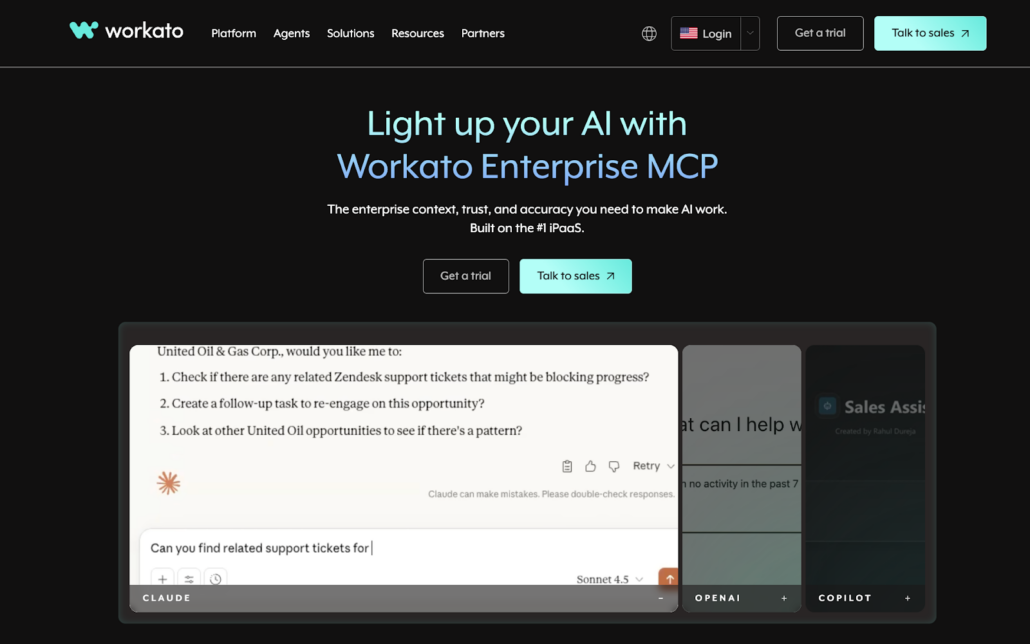
This is where alignment starts to break at the workflow level.
Workato focuses on connecting actions, not just data.
It allows processes to continue automatically once a change happens. Instead of waiting for someone to push things forward, the system handles it based on predefined logic.
Teams rely on it for:
- Automating case-to-incident workflows
- Triggering actions based on Salesforce or ServiceNow events
- Reducing manual coordination between teams
- Connecting multiple systems into one flow
- Managing cross-system processes
When workflows are aligned, not just data, the system becomes more predictable.
4. Boomi
As systems grow, integrations tend to grow with them.
What starts as a few connections turns into a network of dependencies. Each integration works on its own, but together they become harder to manage.
That is where alignment starts to weaken.
Boomi helps organize this environment.
Instead of treating integrations as separate pieces, it allows teams to manage them as part of a larger structure. This makes it easier to maintain consistency as systems evolve.
Teams use it for:
- Building integrations through a visual interface
- Managing multiple connections in one place
- Supporting both simple and complex use cases
- Scaling integrations over time
- Keeping systems flexible without constant rebuilding
It becomes useful when the challenge is not creating integrations, but keeping them consistent.
5. Exalate
Not every integration should behave the same way.
Some data needs to be shared fully. Some need to follow specific rules. Some need to be filtered or transformed before it moves.
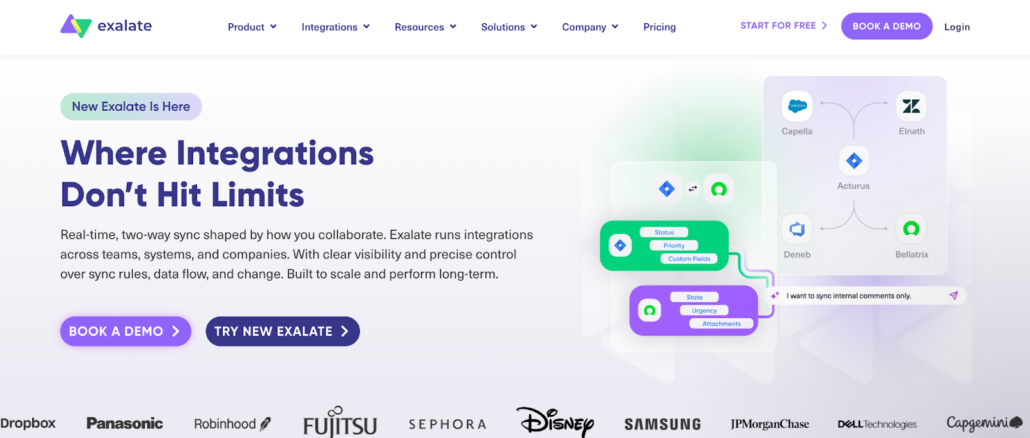
When that level of control is missing, alignment becomes difficult.
Exalate focuses on giving teams that control.
Instead of applying a fixed synchronization model, it allows customization based on how workflows actually operate. This helps prevent mismatches before they appear.
Teams rely on it for:
- Customizing synchronization logic
- Controlling how data is shared between systems
- Handling complex workflows
- Connecting Salesforce with ITSM platforms
- Adapting integrations to specific requirements
It is often chosen when standard integrations feel too rigid to maintain alignment.
Why Alignment Breaks Even With Integrations in Place
It is possible to have integrations and still struggle with alignment.
Data might be moving, but not in the right way. Updates might be syncing, but not at the right time. Workflows might exist, but still depend on manual steps.
In those cases, the problem is not the connection itself.
It is how the connection behaves.
If people still need to monitor, adjust, or fix the flow, alignment is not fully there yet.
How to Recognize That Systems Are Out of Sync
Misalignment rarely feels urgent.
Work continues. Tasks get done. But it takes more effort than it should.
You might notice that:
- Teams ask for updates instead of checking the system
- The same information is tracked in multiple places
- Statuses don’t match across tools
- Follow-ups happen manually instead of automatically
- Small delays keep appearing in the process
None of these are major issues on their own. But together, they point to a deeper problem.
What Changes When Alignment Becomes Stable
When systems stay aligned, the difference is not dramatic.
It is noticeable in what stops happening.
Less checking. Less correcting. Less back and forth between teams.
Information becomes something people rely on without hesitation.
Processes move forward without needing extra coordination.
And over time, that consistency becomes the standard way of working.
The Real Role of Integration Tools
There are many tools that can connect Salesforce and ServiceNow.
Most of them can move data. Many of them can automate actions.
But not all of them maintain alignment.
That is the key difference.
Some integrations still require people to manage the connection. Others remove that need entirely.
The goal is not just to connect systems.
It is to make sure they stay aligned without constant attention.
Alignment Is What Makes Systems Work Together
When Salesforce and ServiceNow are fully aligned, they stop feeling like separate tools.
You don’t think about where information lives. You don’t switch systems just to confirm something. You don’t rely on messages to fill in gaps.
Everything is already there.
And that is what changes the experience.
Not the tools themselves, but how well they stay connected over time.
Leave a Reply