
Enterprise software rollouts seldom fail due to the technology being overly complex. The bigger challenge tends to be simpler. Employees often lose touch with helpful guidance the moment they return to their regular tasks.
Standard training sites and document libraries frequently go unused in systems such as Salesforce, Workday, SAP, Oracle, and NetSuite.
That’s where digital adoption platforms make a difference. They embed support straight into the apps teams already work in. Contextual walkthroughs, automation, and analytics help boost adoption, lower support needs, and build process consistency—all without disrupting daily flow.
Evaluations of the top platforms looked at in-app guidance, analytics strength, workflow tools, AI features, integrations, and enterprise fit. Certain solutions lean toward automatic documentation and tours. Others stand out with live coaching or by linking usage metrics to real business outcomes.
What Is a Digital Adoption Platform?
Digital adoption platforms (DAPs) help employees get comfortable with new software by delivering guidance directly inside the apps they use. No more switching tabs to check lengthy docs or waiting on support tickets.
These platforms offer contextual help exactly when it’s needed. Many also include analytics, workflow suggestions, automated documentation, and automation features that smooth out the whole process and improve overall adoption.
Organizations commonly use them with major systems like CRM, ERP, HRIS, EHR, and similar enterprise tools. They’re valuable both during the initial rollout and for ongoing support once the system is live.
Quick Comparison
Scan this table to match your workflow needs with each platform’s core capabilities and guidance approach.
| Firm | Core Strength | Best For | Guidance Method | Analytics & Reporting |
| Tango | Automatic workflow-to-guide creation | Enterprise software rollouts | Browser-based workflow guidance | Guide usage analytics |
| Spekit | AI coaching for revenue teams | Sales and revenue enablement | Real-time knowledge engine | Unified deal context tracking |
| Loom | Screen recording at scale | 400,000+ companies globally | Screen and camera recording | Transcriptions and captions |
| Pendo | Product analytics to outcomes | Product teams measuring adoption | In-app guides and session replay | NPS, CSAT, behavioral data |
Top 4 Digital Adoption Platforms
Below you can find tools that run the gamut from simple workflow recorders that require no setup to AI layers designed to drive adoption across entire portfolios of applications.
They all do different things particularly well: some focus on speed, others on governance and depth of analytics.
Tango
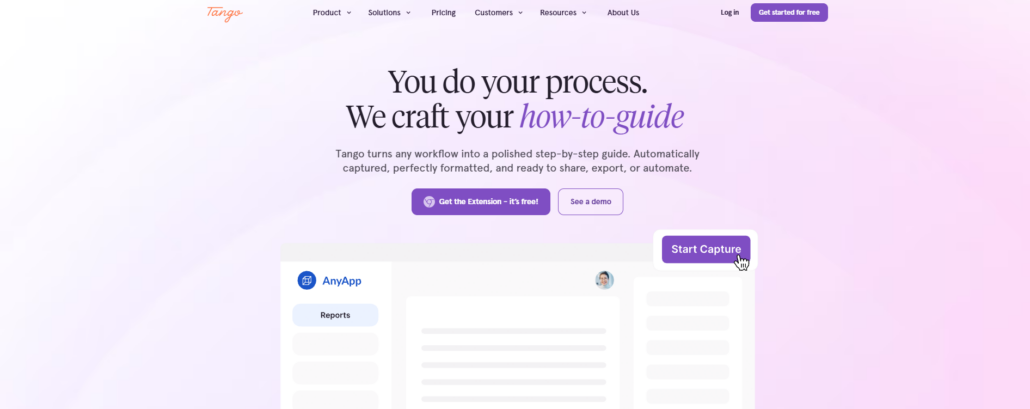
Tango is a digital adoption platform built to help organizations document workflows, standardize processes, and drive better software adoption during system rollouts.
It’s particularly effective for implementations involving Salesforce, Oracle, NetSuite, and other essential business applications. Employees get the clear guidance they need to follow processes accurately.
Here’s how it works: Tango automatically transforms completed workflows into clean step-by-step guides. These include screenshots, descriptions, and professional formatting that’s ready to share right away.
Because it operates through a simple browser extension, there’s no need for integrations or API setup. You can deploy it easily across CRM, ERP, HRIS, and other web-based systems. Built-in sensitive data protection keeps confidential information safe while you document processes.
Once created, guides can be exported, embedded into knowledge bases or wikis, or shared via links. This helps teams transfer knowledge more effectively and significantly reduces the effort required to produce documentation and training materials.
Key features:
- Automatically converts workflows into step-by-step guides
- No integrations or API setup required
- Free plan available for small teams
- Works across browser-based business applications
Spekit
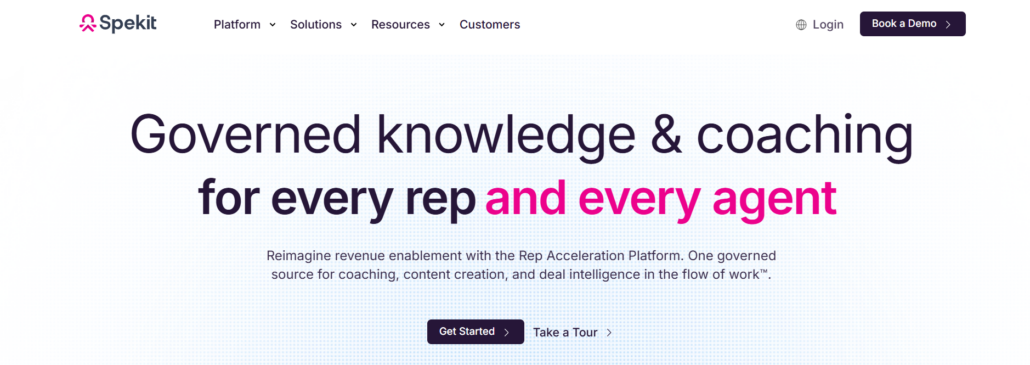
Spekit launched back in 2018 as a rep acceleration platform. It focuses on giving revenue teams what they need exactly where they’re already working — whether that’s in Salesforce, Slack, or somewhere else.
Instead of pulling people into separate portals or forcing them to switch tools, Spekit brings agentic coaching, unified deal context, and AI-powered content creation straight into their daily workflow. At its heart is the Knowledge Engine, which dynamically manages content and surfaces the right information at the right moment.
The platform connects deal rooms, training materials, and real-time guidance through its AI Content Builder. This builder draws on your existing institutional knowledge to deliver contextual coaching tailored to each rep and where they are in the deal.
Here’s what stands out:
- Agentic coaching that adapts to each rep’s specific needs and deal stage
- Unified deal view that instantly shows buyer intelligence
- Automatic refresh of knowledge across all relevant tools
- AI builder that quickly generates enablement materials from your existing knowledge
- Integration with Salesforce, Slack, and more than 50 other tools
Loom
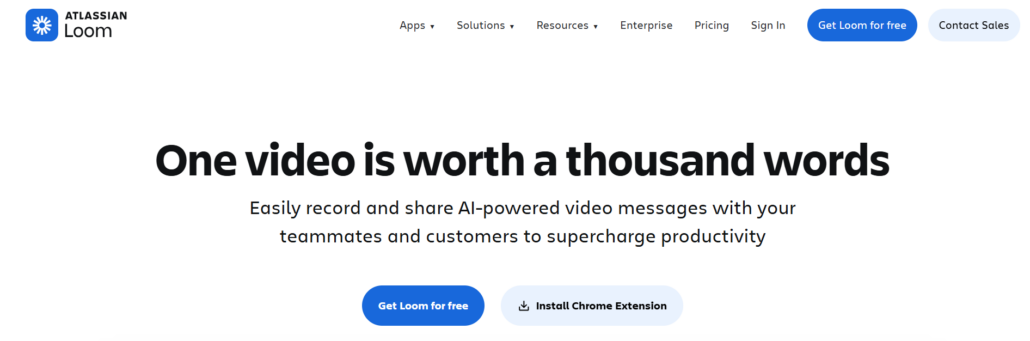
Loom turns any process into a video in seconds, making it one of the easiest ways to share step-by-step guidance. With more than 400,000 companies using it worldwide, the platform helps teams move away from time-consuming meetings toward simple asynchronous videos complete with transcriptions, closed captions, and flexible privacy settings.
Recording happens effortlessly. Capture your screen and camera together or separately, then trim and combine clips instantly without redoing anything or needing separate editing tools. The AI support lets you document live workflows as they unfold, rather than reconstructing them afterward.
Embedding videos into everyday tools like Slack, Jira, or Gmail puts help right where employees need it. Deeper integrations with Confluence, GitHub, and similar platforms extend its reach even further. This setup allows teams to spread information across the organization efficiently, track views, and spot where people get stuck—all without constant live training sessions.
Key features:
- Share videos and embed anywhere, instantly
- Change background options and customize branding
- Download, upload, and repurpose your video creations
- EBA Compliance certified
Pendo
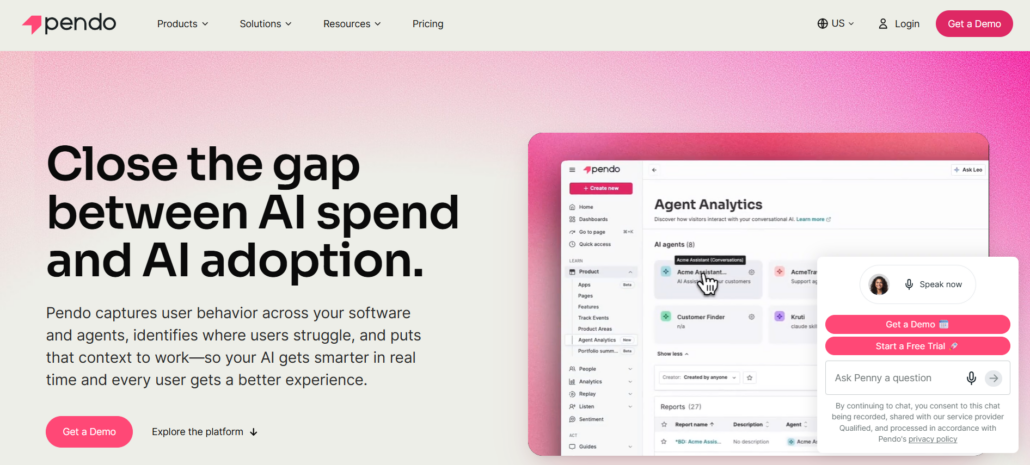
Pendo bridges the gap between how much you spend on AI and how quickly it’s actually being adopted, linking user behavior straight to business impact. Since 2013, this service has enabled organizations to determine if features drive revenue and adoption.
There’s no need for a data science expert: you can see what types of activities are successful and what types aren’t, and tailor communication to user behavior accordingly.
In-app guides, session replay, and in-survey data collection occur in context, where the work is happening, and NPS and CSAT surveys align user sentiment with new feature releases. This would be a valuable tool for anyone tracking software adoption.
Key features:
- Connects product analytics to business outcomes
- In-app guides, session replay to track adoption
- NPS, CSAT surveys to measure feature impact
- Doesn’t need a data science team
- Integrates with Salesforce, Jira, Slack, and data warehouses
How We Evaluated the Platforms
We evaluated each platform based on five key factors that tend to matter most when rolling out enterprise systems.
First, in-app guidance — basically, how well the tool supports people while they’re actually working, without pulling them out of the application. Then there’s adoption analytics, which gives clear insights into how teams are using the system, their engagement levels, and overall progress.
We also looked closely at workflow support: the ability to document processes, guide users step by step, and help standardize the way work gets done. Ease of implementation was another big one — how quickly value appears, and how much effort goes into setup and daily administration.
Finally, enterprise readiness covered scalability, security standards, integration options, and suitability for bigger companies.
Who Should Use These Platforms?
These platforms serve IT directors, operations managers, implementation teams, and business leaders driving enterprise software rollouts. When implementing Salesforce, Oracle, NetSuite, Epic, AMS 360, core banking systems, or similar, they enable faster employee learning and lower support burdens after launch.
Teams typically use them to:
- Improve software adoption after implementation
- Standardize processes across departments
- Reduce support tickets and repetitive questions
- Document workflows and preserve institutional knowledge
- Train employees on ERP, CRM, and HRIS systems
- Support onboarding during rollouts
- Accelerate knowledge transfer
- Maintain consistency across locations
- Provide contextual in-app guidance
- Measure adoption and identify bottlenecks
Healthcare organizations, insurance agencies, financial institutions, construction and engineering firms, and post-M&A companies often use these platforms to support change initiatives and maximize the value of enterprise software investments.
Conclusion
Choosing the right digital adoption platform really comes down to where the organization hits the biggest roadblocks. Some teams struggle most with quick process documentation and knowledge sharing, while others need practical in-app guidance, strong adoption analytics, or smarter workflow automation.
The four platforms reviewed here each take a slightly different approach. Yet they all share one clear goal: helping employees use business systems effectively without depending on long training sessions or scattered documentation.
Before committing, it helps to pinpoint the main adoption challenges, review how employees currently find support, and focus on the features likely to make the strongest impact. When the fit is right, the platform can lighten the load on support teams, improve process consistency, and speed up the return on software investments.
Leave a Reply